ChatGPT Image Creator
ChatGPT image creator for text to image: describe a scene, pick a style, download the result. Your first image is free, no sign-up needed.
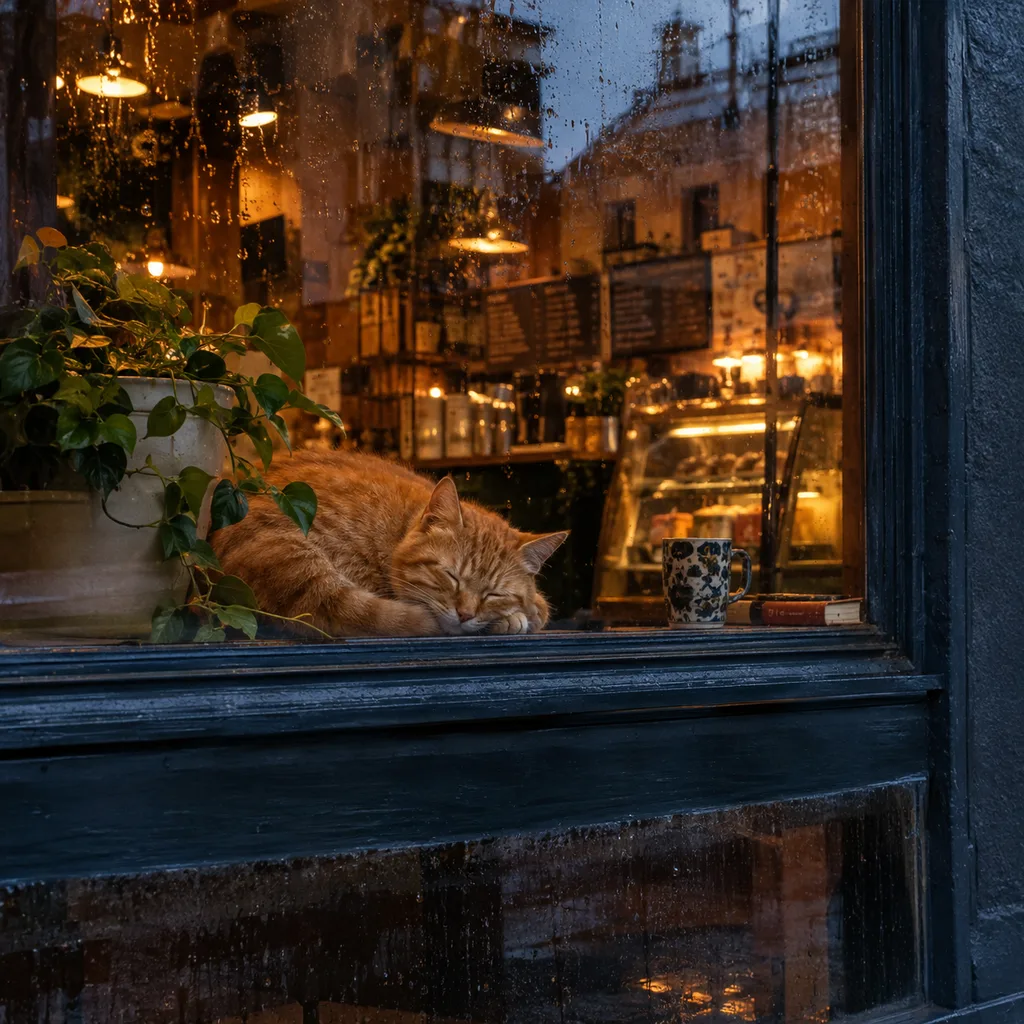
Example result. Describe your image to make yours.
Examples
Why use this ChatGPT image generator
This ChatGPT image creator is a plain prompt box in front of a GPT Image model, with nothing else to set up.
No ChatGPT account, no chat
Write a prompt and press Create Image. There is no login, no sign-up and no card. This is an independent site, not operated by or affiliated with OpenAI.
Runs the GPT Image 2 model
This ChatGPT image creator uses OpenAI's GPT Image 2 model. It is a model OpenAI built for generating images from text, so you get that engine without opening ChatGPT.
Six styles on one chip row
The ChatGPT image creator offers Auto, Photo, Illustration, Anime, 3D Render and Watercolor. A chip adds a style instruction to your prompt. Auto leaves the look to the model.
Room for a long prompt
The box takes up to 5,000 characters. Put the subject, setting, lighting, composition and any words to show in the image into a single request.
A failed run costs nothing
If a run does not work out, it is not counted and the tool says so. The free allowance is one per visitor across the whole site, and it does not reset.
How to create an image with ChatGPT image creator
Three steps with the ChatGPT image creator, no upload needed.
- 1
Describe the image
Type what you want to see in your ChatGPT picture: who or what, where, the light, the framing. Quote any words that must appear in the picture.
- 2
Pick a style
Tap one chip: Auto, Photo, Illustration, Anime, 3D Render or Watercolor. Leave it on Auto if the prompt already names a look.
- 3
Create and download
Press Create Image. One image appears beside the tool and stays there until the next run. Use Download to save it, and check details such as spelling against your prompt, because AI output can get them wrong.
What to make with a ChatGPT picture generator
Uses for a ChatGPT image creator that start from a sentence, not a photo.
Social posts and thumbnails
A 1:1 image fits a feed post or a channel tile. Describe the scene and the mood, then add the text you want on it.
Profile pictures and avatars
Invent a character, a mascot or a stylized portrait that is not a real person. Try the Anime or 3D Render chip for a clean avatar look.
Posters and cards with a few words
Birthday cards, event posters and quote graphics where a short headline sits inside the picture.
Product and packaging concepts
Sketch how a mug, bottle or box could look in a styled scene before you plan a real photo shoot.
Story and lesson illustrations
Picture a scene for a children's story, a class handout or a slide. The Illustration and Watercolor chips suit this best.
Concept art and moodboards
Test a character, a place or a color mood for a game, a film or a brand. Describe the character, place or color mood you want to explore before you generate your image.