
GPT Image 1.5
GPT Image 1.5 online: describe an image, or upload a photo and say what to change and what to keep. Your first image is free, no sign-up.
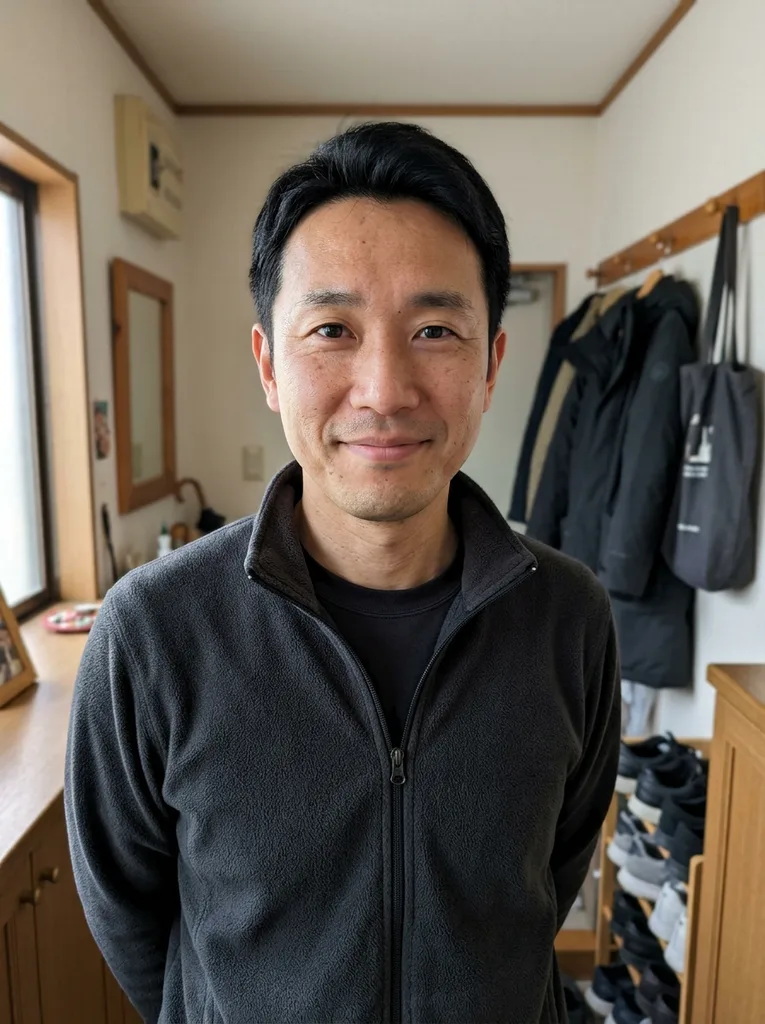 Before
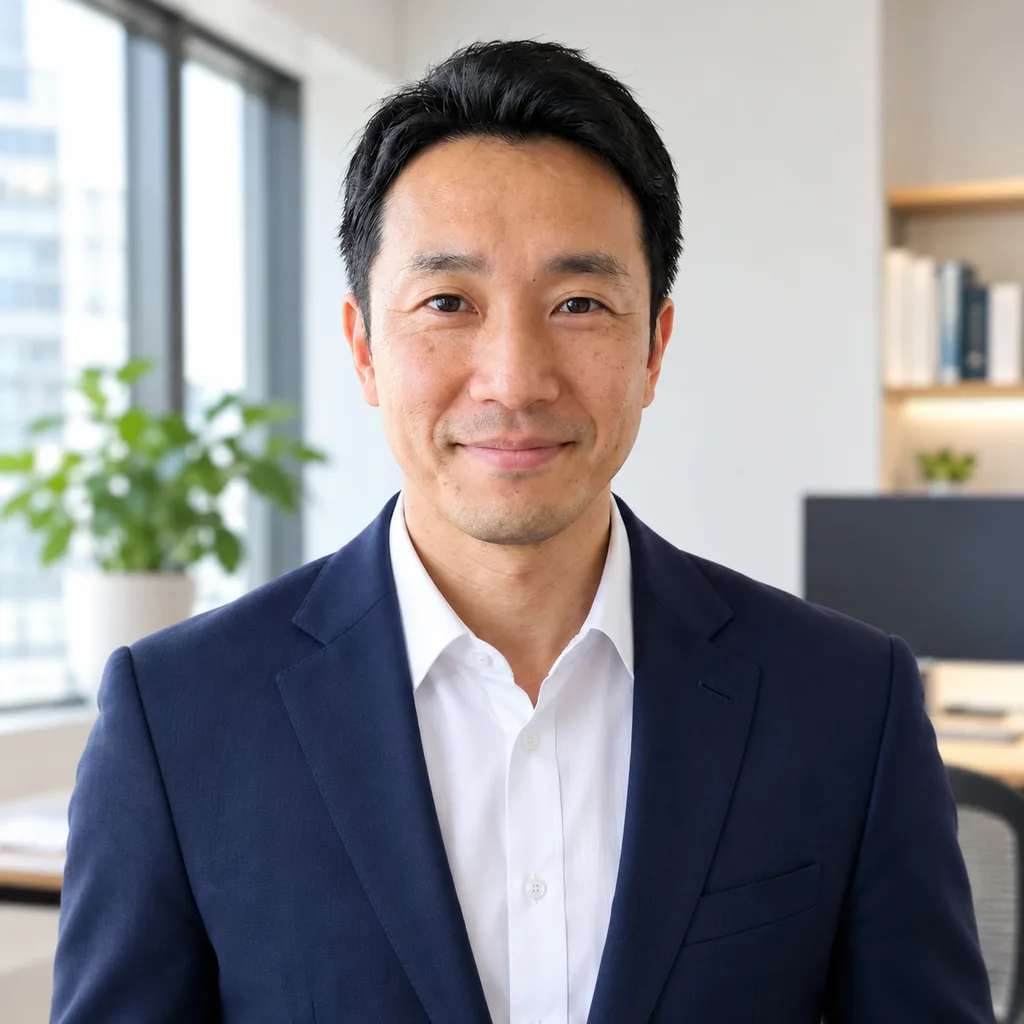 After
Example result. Describe your image to make yours.
Examples
BeforeAfterWhat is GPT Image 1.5?
GPT Image 1.5 is the OpenAI image model announced in December 2025. OpenAI described it as making more precise edits that keep faces and logos, following instructions better and rendering text better than GPT Image 1.
This page runs GPT Image 1.5 as a photo editor and image creator. Upload the picture you want to change, add up to three reference images, and write what to change and what to keep, or skip the upload and describe a new image. You get one image in 1:1, 3:2 or 2:3 to download.
This is an independent site, not OpenAI and not ChatGPT. There is no chat: every request is one prompt and one result.
Made for
- Photo edits
- Product shots
- Reference-based edits
- Square and tall posts
- Trying the older model
What to make with GPT Image 1.5
Six edits that fit a model built for precise changes.
Recolor a product
Upload a product photo and ask for another color or a cleaner background. Say what stays, such as the shape and the label, then compare the result with your original.
Edit with a reference
Add a second image, such as a jacket, a logo or a look to copy, and tell the model how to use it. You can add up to three references next to the photo you edit.
Put text in the picture
Ask for a sign, a label or a poster headline. OpenAI says GPT Image 1.5 renders text better than GPT Image 1. Check the spelling in the result before you use it.
Change the style
Turn a photo into a watercolor, a vintage print or a flat illustration. Name what the picture must keep, such as the pose or the composition.
Square, wide or tall
Pick 1:1 for a feed post or a profile picture, 3:2 for a wide shot or 2:3 for a tall one.
Small touch-ups
Ask to remove a stray object or change one detail, like a shirt color. A prompt is an instruction, not a lock, so look over the whole image.
GPT Image 1.5 vs GPT Image 2 and 2.5
How the model pages on this site differ. Not a quality ranking.
| GPT Image 1.5 | GPT Image 2 and 2.5 | |
|---|---|---|
| Images per run | Up to 4: the photo plus 3 references | Up to 16: the photo plus 15 references |
| Result shape | 1:1, 3:2 or 2:3 | Auto or 7 ratios, at 1K |
| From OpenAI | December 2025: more precise edits, better text than GPT Image 1 | GPT Image 2 added reasoning to image generation; 2.5 followed in September 2026 |
| Free here | One image for the whole site, no sign-up | The same shared allowance |
| Pick it when | A few references and a square, wide or tall result are enough | You need more references or more ratios |